/cult
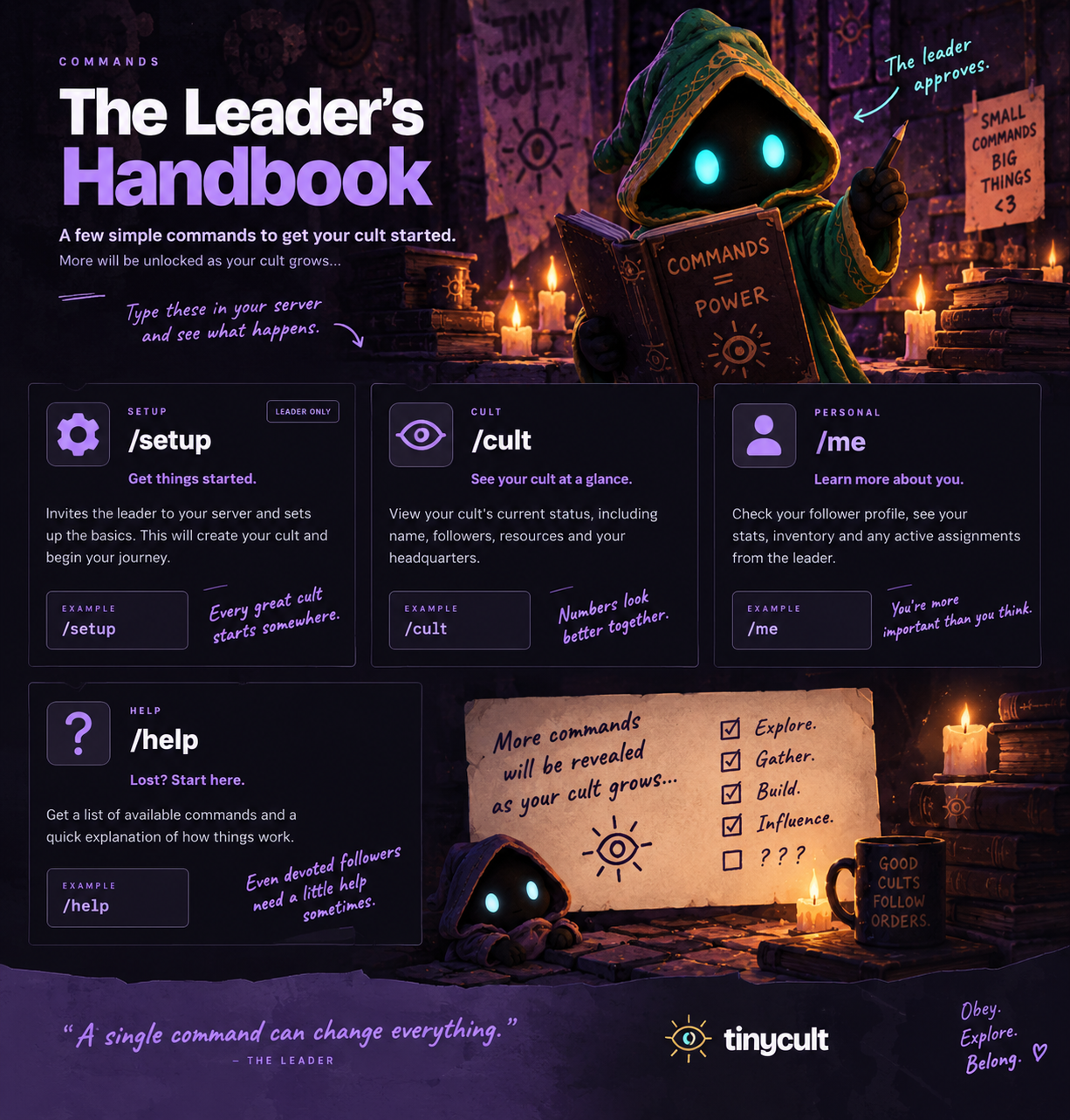
View your cult’s followers, devotion, supplies, funds, influence and headquarters progress.
/cultEveryoneIn your server
The numbers have been counted. Probably.
 tinycult
Everything your cult is officially allowed to do.
4 commands
/cultView your cult’s followers, devotion, supplies, funds, influence and headquarters progress.
/cultThe numbers have been counted. Probably.
/exploreHead beyond headquarters in search of useful resources and unexpected finds. Join your server’s cult first; each follower can have one expedition underway at a time.
/exploreThe leader accepts no responsibility for what follows.
/meSee your personal player card and how the leader currently regards you. Use this command in a direct message with the bot after joining a cult.
/meYour file is being maintained. Make of that what you will.
/setupChoose the normal text channel where the leader will establish headquarters and begin the introduction. Select your channel in Discord’s channel picker.
/setup channel:#your-channelHe has already started arranging the furniture.
Try another search or show all commands.
Tiny Cult is in development. Command availability may change; Discord’s command picker shows what’s available to you. Some interactions happen through buttons in the leader’s messages.